Song voice changer
Change a singing voice on a mix. Keep the song in a new tone.
SONG
0:00 / 3:26VOICE
0:00 / 0:15RESULT
0:00 / 3:26An AI voice changer for song and speech. Clone a voice in zero-shot from a short clip. Run a high-quality AI model. Create your voice, then convert.
MP3, WAV, M4A, and FLAC — up to 10 min / 100MB per upload
By uploading a file, you agree to our Terms.
Change a singing voice on a mix. Keep the song in a new tone.
SONG
0:00 / 3:26VOICE
0:00 / 0:15RESULT
0:00 / 3:26Change a speaking voice for video, podcasts, and dialogue.
SPEECH
0:00 / 0:34VOICE
0:00 / 0:15RESULT
0:00 / 0:34Three steps. Upload audio. Pick a voice. Convert.
Song, speech, cloning, and a high-quality AI model in one AI voice changer.
Change a singing voice on a mix. Keep the song in a new tone.
Change a speaking voice for video, podcasts, and dialogue.
Clone a voice from a short reference. Save it. Reuse it on the next job.
Zero-shot conversion skips long training. A short clip is enough to start.
A high-quality AI model maps tone, range, and delivery onto the new voice.
A quick run from upload to preview. Create your voice once, then convert more files.
Covers, dubs, clips, and cloned voices for everyday work.
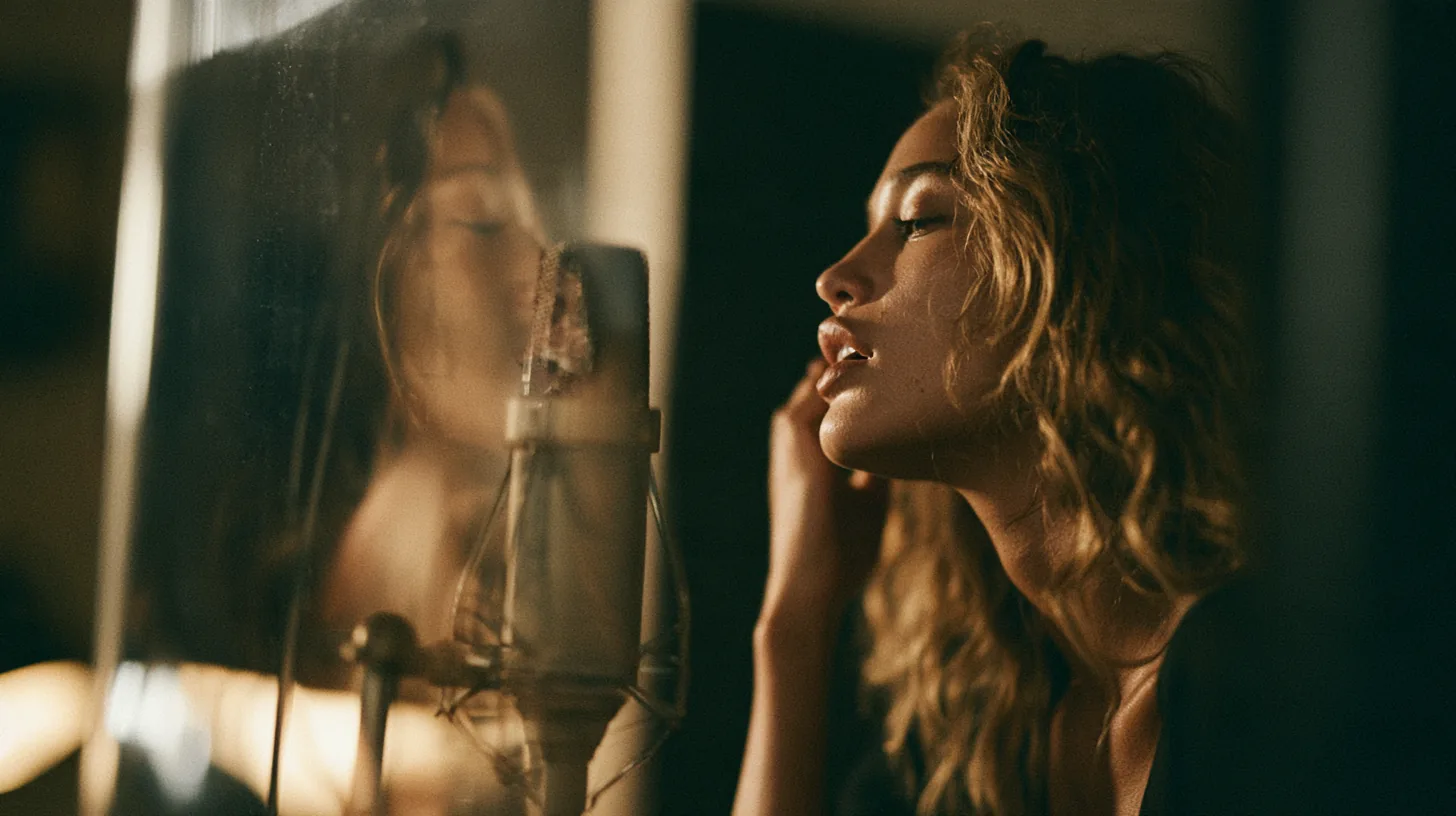
Run the song voice changer on a vocal take. Hear the melody in a new voice.
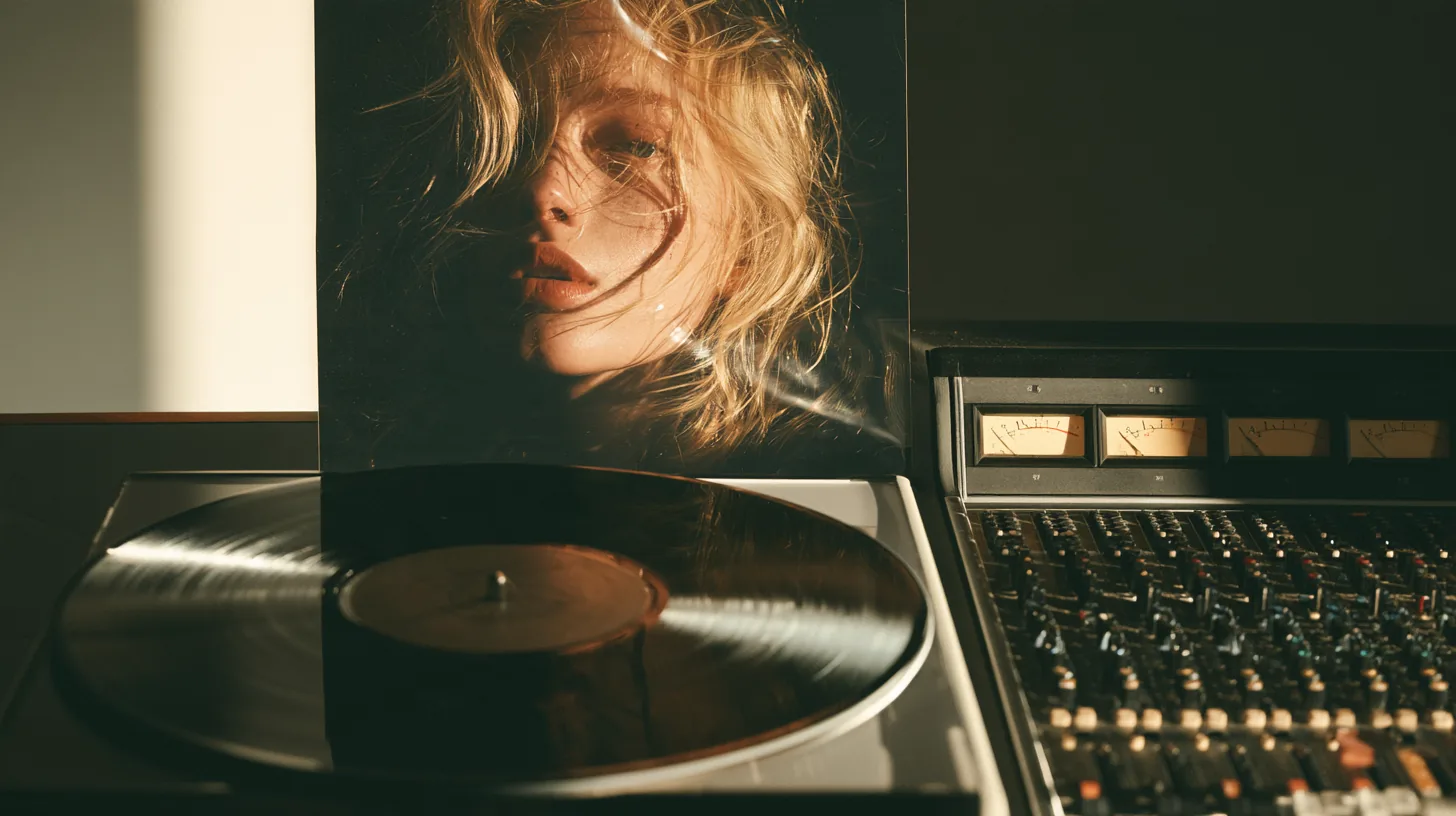
Clone a voice, then drop it on a remix. Keep the beat. Swap the singer.

Create your voice from a clean clip. Save it for later song and speech jobs.

Use the speech voice changer on dialogue. Match a target tone on the same lines.

A quick convert for shorts and ads. Preview in the browser, then download.
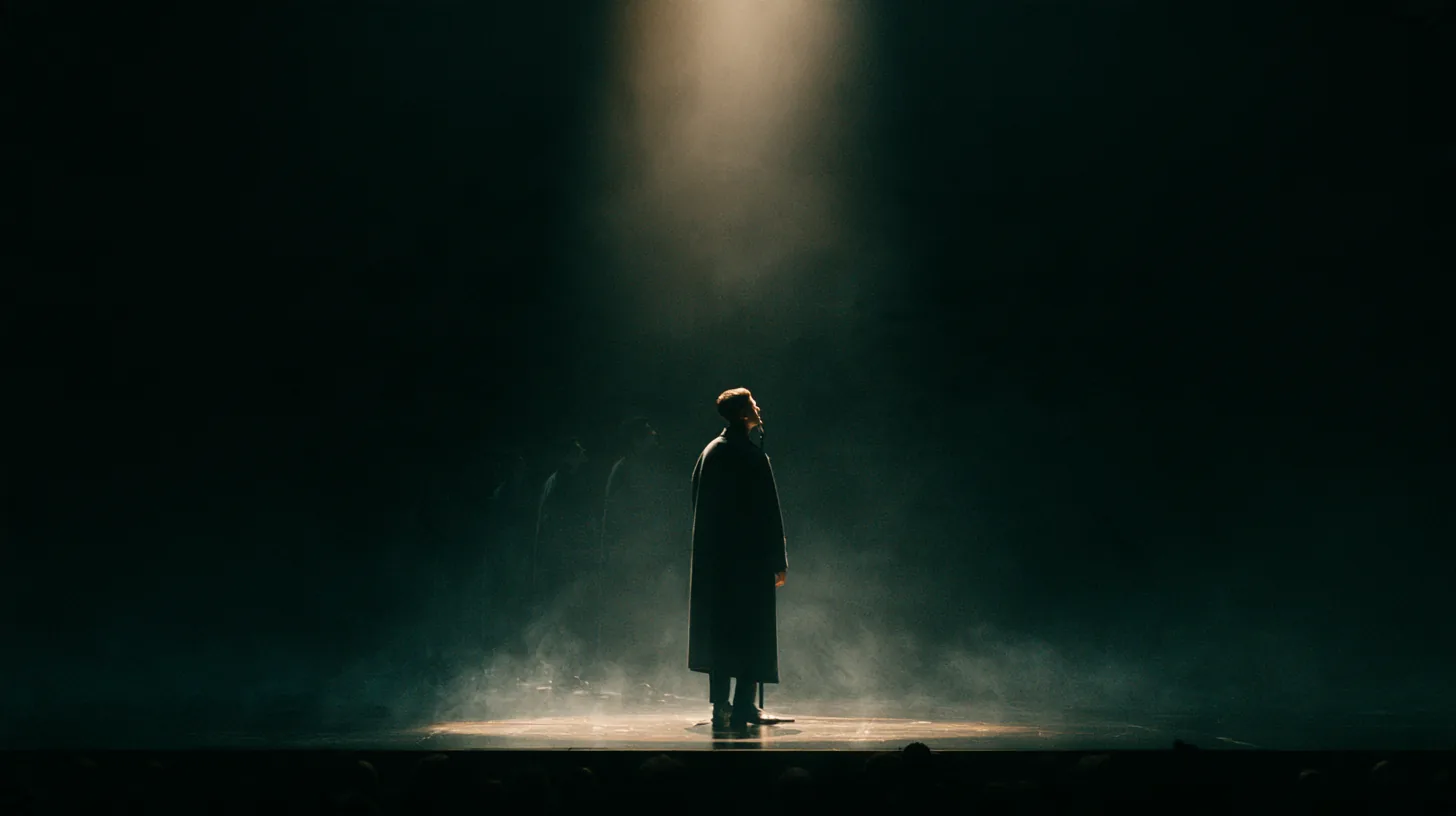
Test a high-quality pass before a set. Check range and delivery on the new voice.
Singers, editors, podcasters, and creators use the same AI voice changer.
Open the song voice changer for covers and demos. Keep pitch. Swap the singer.

Use the speech voice changer on narration and on-camera lines.

Clone a voice for a consistent host tone across episodes.

Create your voice once. Run a quick convert on each new clip.

Create your voice, run a quick convert, and hear song or speech in a new tone.