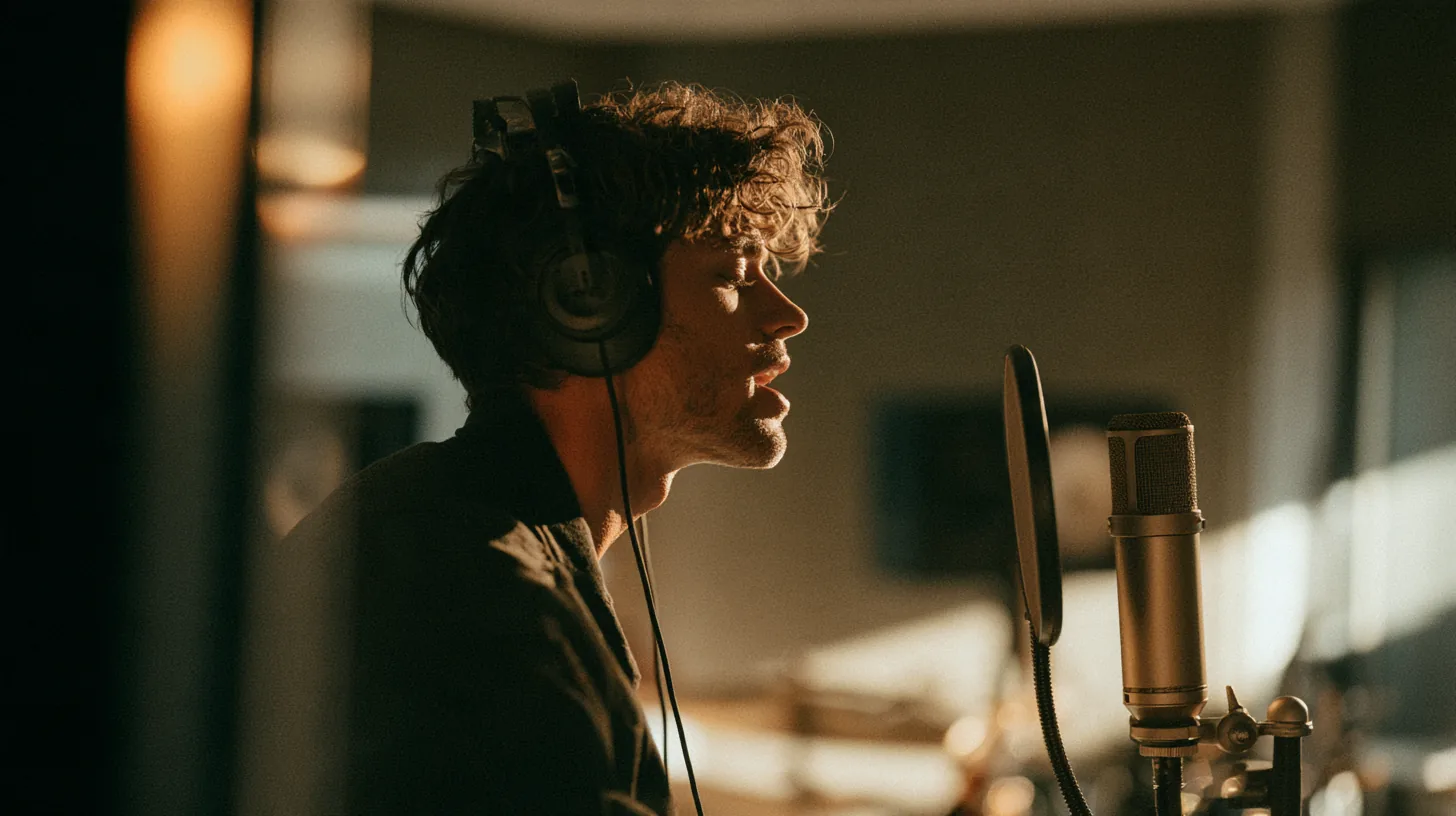
Song Voice Changer

A song voice changer maps a singing take onto a new voice. Use zero-shot cloning. Run a high-quality AI model. Create your voice, then convert.

Zero-shot cloningHigh-quality AI modelQuick convert

Select Files

MP3, WAV, M4A, and FLAC — up to 10 min / 100MB per upload

By uploading a file, you agree to our Terms.

How to use

Upload a song. Pick a voice. Convert.

1

Upload the song

Drop an MP3, WAV, M4A, or FLAC singing take into the song voice changer.

2

Create your voice

Pick a public voice or clone a voice from a short clip.

3

Convert a mix

Run a quick convert. Preview the new singing voice. Download.

Song Voice Changer

Features

Built for singing conversion.

Song Voice Changer feature

Change a singing voice

The song voice changer keeps the melody line on a new tone.

Singing voice changer

Use the singing path for covers, demos, and vocal conversion.

Voice cloning

Zero-shot cloning reads a short reference. High-quality mapping follows.

Cover voice changer

Map a cover onto a chosen voice. Keep timing on the mix.

Who can benefit

For singers, producers, and cover artists.

Singers

Change a singing voice on your own take. Hear a new tone on the AI voice changer.

Producers

Run the song voice changer on a mix. Keep the arrangement.

Cover artists

Use the cover voice changer path for a new vocal color.

Editors

Create your voice once. Convert later songs on the same target.

For singers, producers, and cover artists.

Frequently asked questions

Open song voice changer

Open song voice changer